
diff options
| author | Collin Williams <96917990+bluedragon1221@users.noreply.github.com> | 2026-08-23 16:57:23 -0500 |
|---|---|---|
| committer | Collin Williams <96917990+bluedragon1221@users.noreply.github.com> | 2026-08-23 16:57:23 -0500 |
| commit | e050208a07d9216239a88d4e685c6b99776b4bc5 (patch) | |
| tree | a2f2fe73bff7666be7e353099db478efc999dc47 | |
| parent | bf2f3c538976d4504a987d362a1b597b6a5ef900 (diff) | |
| -rw-r--r-- | README.md | 4 |
1 files changed, 1 insertions, 3 deletions
@@ -1,11 +1,10 @@ -# tmux-minibuffer In emacs, the minibuffer refers to the bar at the bottom of the screen where you can type in commands. From emacs manual: > The minibuffer is where Emacs commands read complicated arguments, such as file names, buffer names, Emacs command names, or Lisp expressions. > - [Minibuffer (GNU Emacs Manual)](https://www.gnu.org/software/emacs/manual/html_node/emacs/Minibuffer.html) Emacs packages such as [vertico](https://github.com/minad/vertico) provide fancy completion inside the minibuffer. - +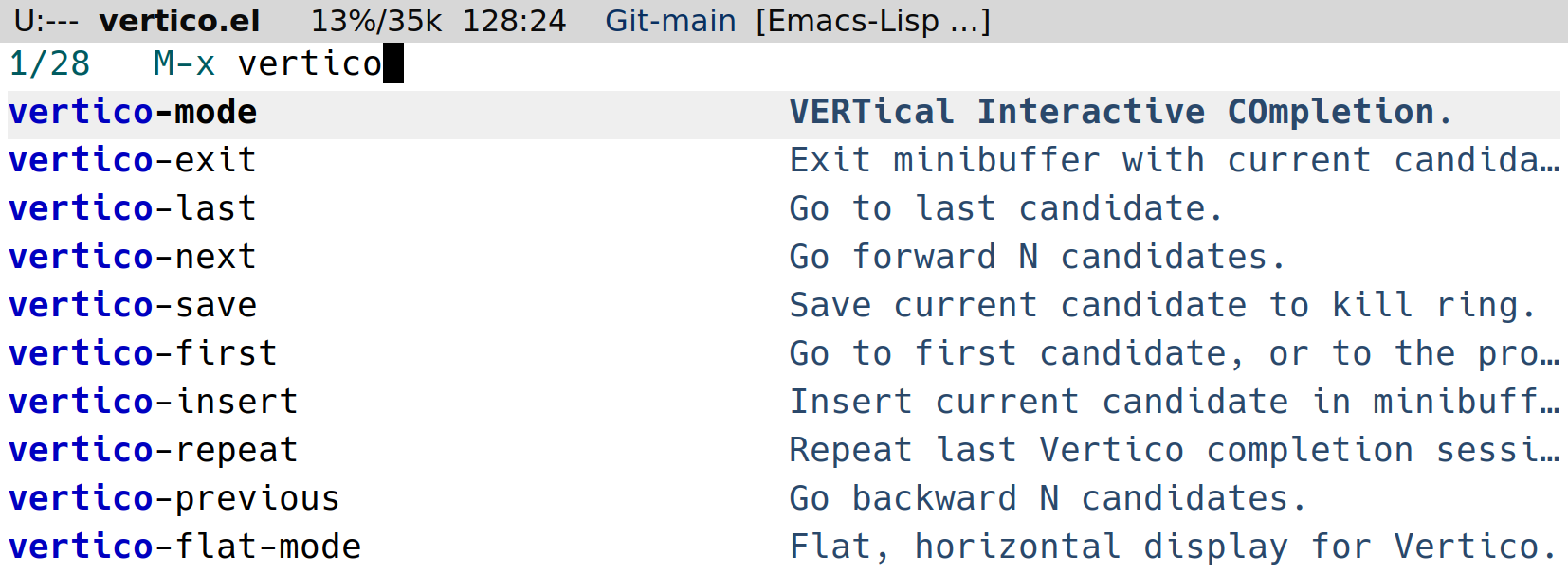 What if we could have that kind of UX in tmux? `tmux-minibuffer` is a collection of scripts for interacting with tmux using popup windows at the bottom of the screen, simulating minibuffer completion plugins, such as vertico. @@ -17,7 +16,6 @@ What if we could have that kind of UX in tmux? - [`find-file`](./find-file/README.md): Menu to open a file from the current session using broot. Future ideas: - - fzf-sessionizer - search scrollback (kinda like [fuzzback](https://github.com/roosta/tmux-fuzzback) or [swiper](https://github.com/abo-abo/swiper?tab=readme-ov-file#swiper)) - define custom commands in fzf-exec |